
Citizen records, plates and licenses
Characters are read live from the game database; the MDT adds notes, photos, warrants, arrests and medical records.
Updated on Oct 5, 2026, 1:36 p.m.
In short. Nothing to retype: characters come from your game server database. The MDT adds its own record (notes, photos) when an officer creates one. Wording follows the department: "Citizen" (Police, Other), "Defendant" (DOJ), "Patient" (EMS).
What a record shows #
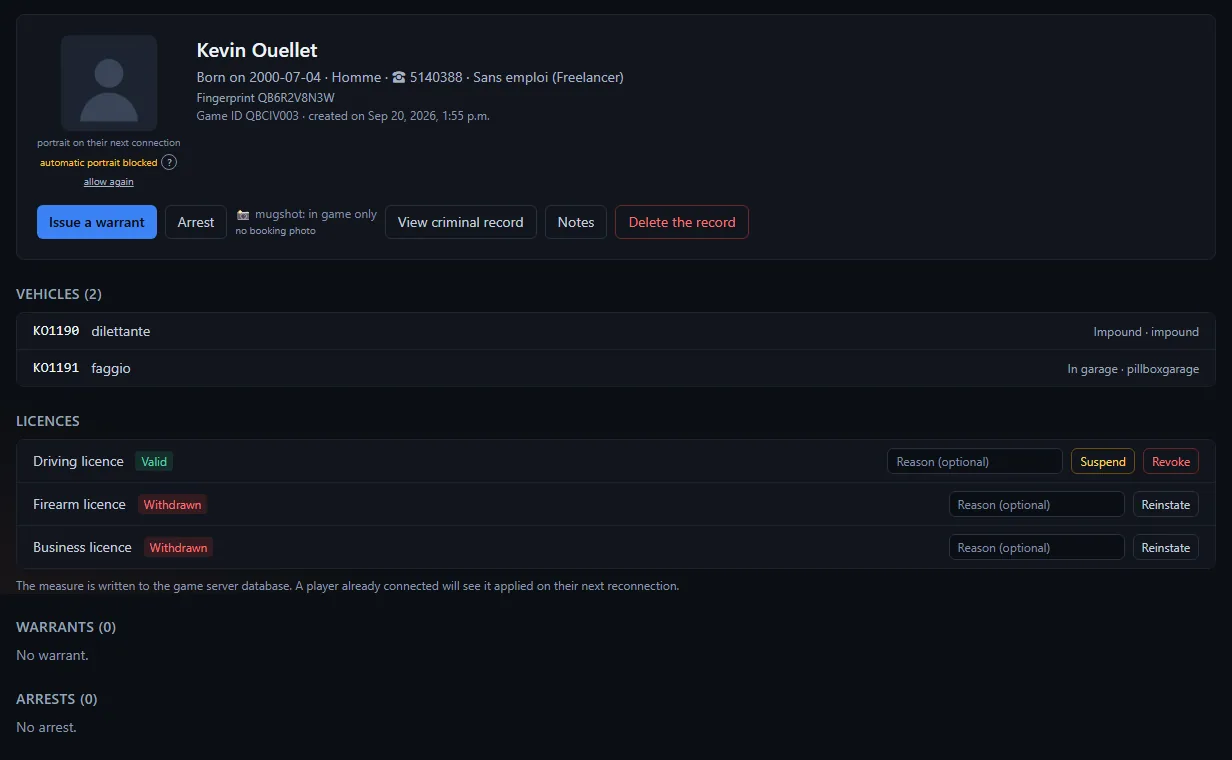
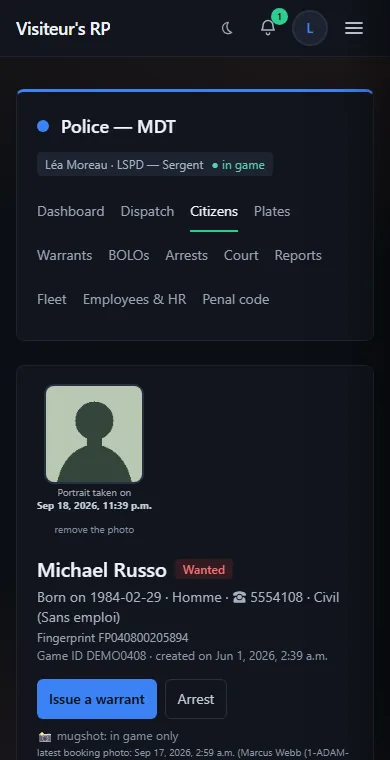
- Identity: name, date of birth, sex, phone, job and rank, other jobs.
- Blood type, fingerprint and licenses.
- The current portrait, updated automatically in game. When staff has removed it, the record shows "automatic portrait blocked", the note "removed by … on …" (who, and when) and an allow again link (see Booking photos).
- Booking photos, kept as a history, with date and officer.
- The department's notes (permission Edit notes on citizen files), which only that department sees. Old shared notes, from before the split by department, stay visible to every department.
- Their vehicles, warrants, arrests and medical records. The latest show; See all N opens the full list for that citizen.
- The View criminal record button (convictions handed down by the court).
Licenses #
Licenses are read live from the game database, held or not held. Three actions: Suspend, Revoke, Restore, with an optional reason.
- Reserved for departments that issue warrants (police, justice), with the Issue / edit a warrant permission.
- The game only knows "held" or "not held": suspending and revoking write the same thing. The nuance lives in the record's log.
- A connected player keeps their licenses in memory: the action takes effect at their next reconnection.
Look up a plate #
Plates section (permission Look up a plate / a vehicle): full or partial plate, ignoring case and spaces. Fake plates are searched too. Result: model, owner, state (In garage, Out, Impounded) and garage.
On ESX, the model is often stored as a number (hash): the column may show a number instead of a name.
Read-only records #
- Your own record: you can read it, but no action is possible on it (licenses, warrant, arrest, correction, deletion); a colleague must handle it.
- Character deleted from the game: their record and criminal record stay readable, but no action is possible any more.
No record? #
"No record yet" while the database is connected: the player most likely never linked their game. See Link your game.
Delete a record #
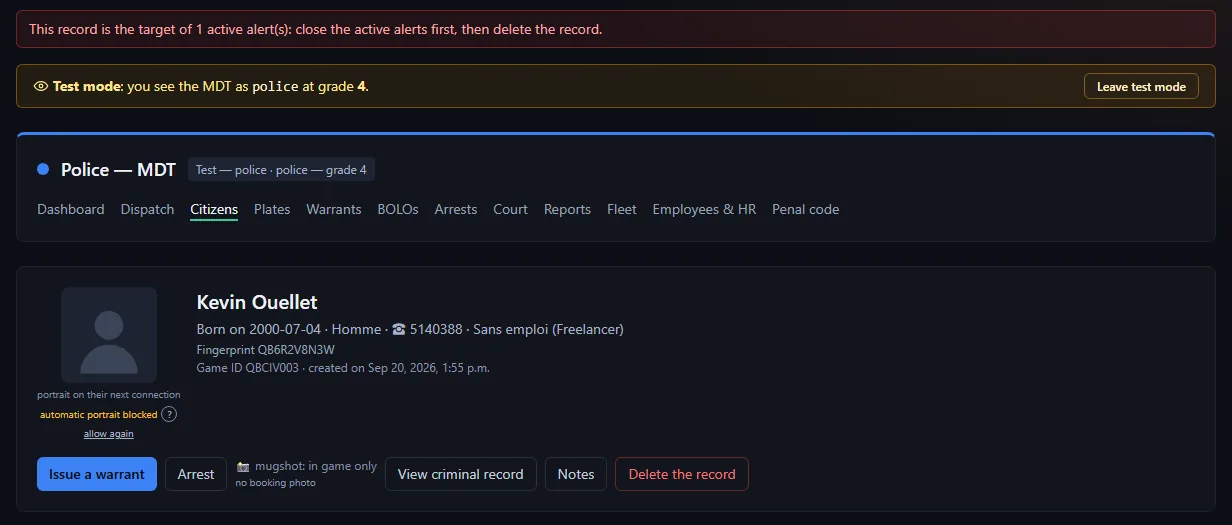
Permission Delete a citizen file. Everything in it (warrants, arrests, notes, photos) is lost. Keep it for command staff. It is refused while the record is the subject of court cases (delete them on the court side first) or carries records from another department, or while an active BOLO targets it: close the BOLO first. Permissions are read inside your department there, not on the sum of your jobs.
Was this article helpful?
Related articles
- Reports, warrants, BOLOs and arrestsThe everyday records: each has its page, its attachments, a complete log and a printable version.
- Booking photos (mugshots) and their approvalAn officer requests the photo, the suspect's game takes it, and it waits under photos awaiting approval until an officer approves or rejects it.
- Configure the MDT: services, jobs and permissionsPut each in-game job in a service, then tick job by job or rank by rank what it can do; off-game access is the most important permission.
- The court and the criminal recordFile a case, schedule hearings, hand down a judgment that enters the criminal record and flows back to the original arrest; no sentence is applied in game.